A store-bought dry-erase calendar is a blank grid you fill in by hand every month. You can make one with your own layout, colors and dates from a printed page and either a laminator or a clear sheet protector.
Laminate or Sheet Protector?
A sheet protector is the simplest option: slide the month in, write on the plastic, and swap in the next month when it starts. The protector is the reusable part. Use heavyweight, clear (not "non-glare") protectors; the clear ones erase more cleanly. Top-loading protectors with holes fit a binder or can hang from two pushpins.
For how pouch laminators bond the film, see the lamination article.
Laminating seals each page permanently, so it is stiffer and wipes cleaner at the edges, but each month needs its own pouch. It is the better choice for a calendar that hangs on a wall or fridge all month, or for a set of twelve months you want to keep in a binder for the year.
Because each printed month has its own dates, a laminated month only fits another month that starts on the same weekday and has the same number of days. For a calendar you reuse every month, the sheet protector wins.
Step 1: Print the Calendar
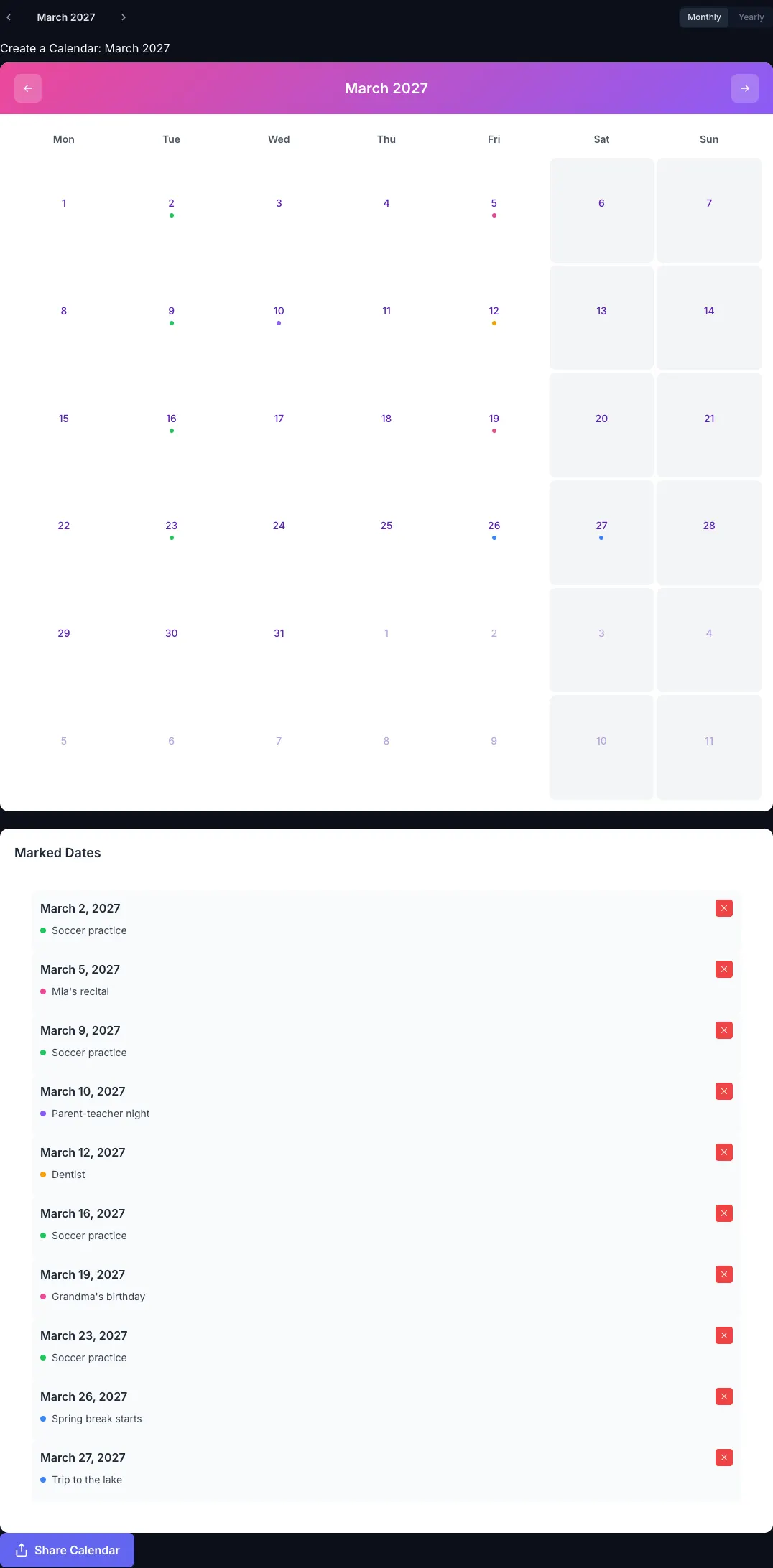
Open the CalendarBest builder, pick a template and export the month in portrait.
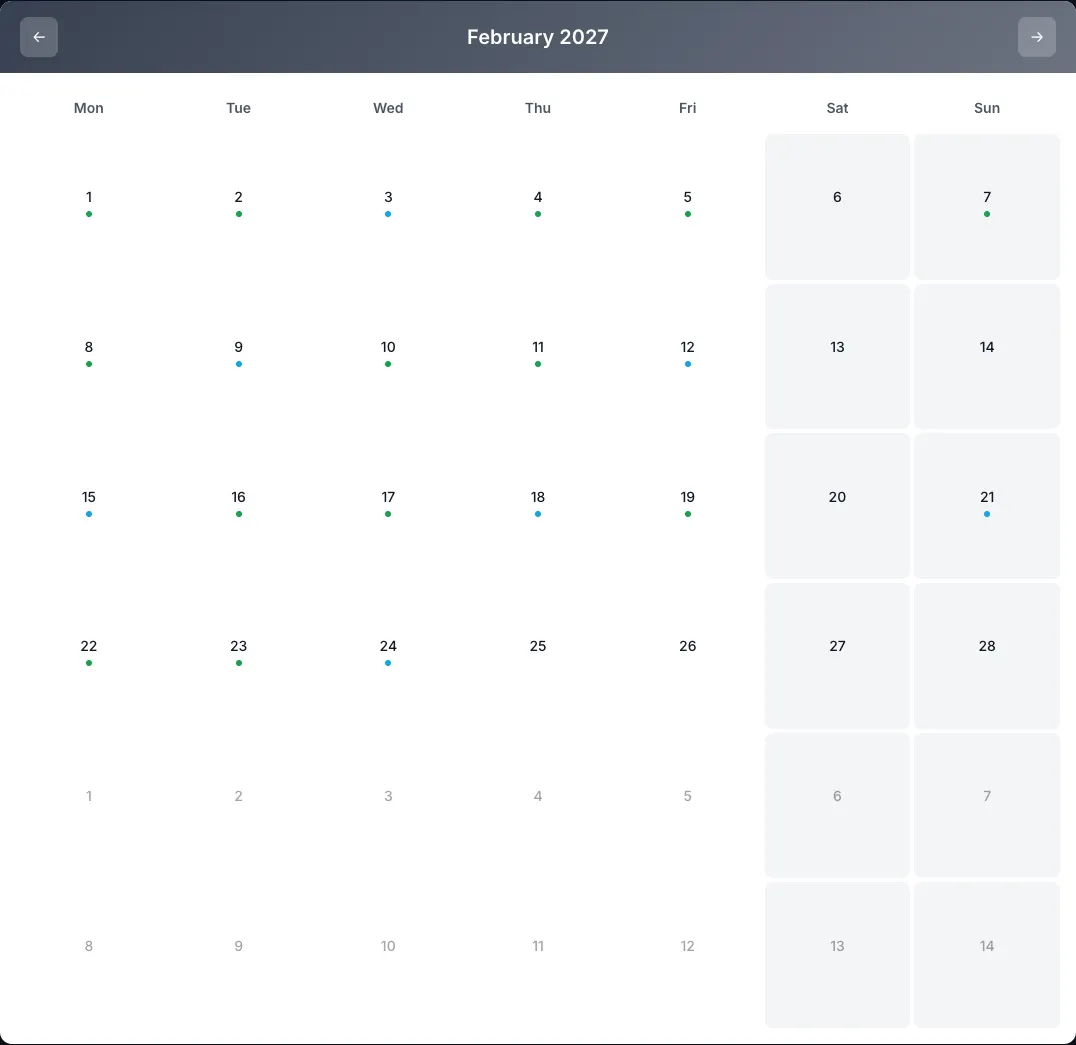
- Leave the cells empty. Events from the builder print as small colored dots, so a blank month gives you the most room to write. Leave "Include notes" off.
- Watch the today marker. If you export the current month, today's date prints with a shaded box. Export next month ahead of time to avoid it.
- Pick a strong color. A template whose main color prints at 4.5:1 or better on white, such as the kids templates for a chore chart or the minimal templates, still reads clearly under glossy plastic.
- Choose the size of the pouch or protector. Letter fits standard 8.5 × 11 in protectors and 9 × 11.5 in laminating pouches. A4 needs A4 protectors and pouches.
Print on 24–32 lb paper (90–120 gsm). Heavier cardstock does not help inside a sheet protector and can be too thick for some laminators.
If you use an inkjet printer, let the page dry before laminating, ideally for a few hours. Ink that is still damp can smear or leave bubbles under the film. Laser prints can be laminated straight away.
Step 2: Laminate or Use a Sheet Protector
Laminate
- Heat the laminator for the pouch thickness you are using.
- Place the page inside the pouch with an even border on all sides, sealed edge first.
- Feed it through slowly and let it cool flat.
Pouch thickness: 3 mil pouches stay flexible and are fine for a fridge. 5 mil pouches are noticeably stiffer and better for a calendar that hangs from one point. Thicker pouches need a laminator rated for them.
Glossy or matte: glossy pouches erase cleanly. Matte pouches reduce glare but dry-erase ink can sink into the texture and leave marks, so test a corner before writing a whole month on one.
For an 11 × 17 calendar you need 12 × 18 in pouches and a laminator with a wide enough opening, typically 13 in. Most print shops can laminate large sheets if you do not own one.
Use a Sheet Protector
Slide the printed month into a heavyweight clear sheet protector. If the page shifts as you write, put a small piece of tape on the back of the paper to hold it against the plastic.
Step 3: Choose the Right Markers
The day cells on a Letter page are about 25 mm wide and 33 mm tall, so a standard chisel-tip dry-erase marker is too thick. Use fine-tip or ultra-fine dry-erase markers.
A useful trick is to combine two kinds of marker:
- Dry-erase for things that change weekly: appointments, practice times, meals.
- Wet-erase for things that stay all month, such as birthdays, school days off or a recurring chore rotation. Wet-erase ink does not rub off when you brush against it and only comes off with a damp cloth.
Step 4: Keep It Clean
Dry-erase ink left on plastic for weeks can leave a faint shadow ("ghosting"). To avoid it:
- Erase entries once they are past instead of letting a whole month build up.
- Clean the surface at the end of each month with whiteboard cleaner or a cloth with a little isopropyl alcohol.
- Test any marker on a corner first; some colors stain laminating film more than others.
Hanging It
- Fridge: two strips of adhesive magnet tape on the back of a laminated page.
- Wall: removable adhesive strips, or a punched sheet protector on two pushpins.
- Desk: a laminated page in a clear acrylic sign holder.
A Full Year in One Go
If you laminate, export "Entire year" from the builder and laminate all twelve months at once. Keep them in a folder and move a new month to the front on the first of each month. For a year set, the 2027 calendar shows all months on one page if you want to check dates before printing, and how to print a calendar covers the print settings.
Frequently asked questions
Yes. Clear heavyweight sheet protectors erase cleanly with dry-erase markers. Non-glare protectors have a textured surface that holds ink, so choose clear ones.
They write, but the ink can sink into the matte texture and leave marks. Glossy pouches erase cleanly; test a corner before using a matte pouch.
Fine-tip dry-erase markers for weekly entries, because the day cells on a Letter page are only about 25 mm wide, and wet-erase markers for entries that should stay all month.